.jpg)
Got IT issues slowing you down? We provide both on-site and remote support across Australia, so help is never far away.
Cloud sprawl — the unmanaged growth of virtual machines, databases, storage accounts, and other cloud resources — is one of the most common and costly problems facing Australian SMBs today. It’s easy to provision new services with a few clicks, but far harder to track usage, enforce standards, or retire resources that are no longer needed. As a result, organisations often pay for capacity they’re not using.
According to HashiCorp’s State of Cloud Strategy Survey 2024, the top drivers of cloud waste are lack of in-house cloud skills, idle or underused resources, and overprovisioning. These factors combine to inflate cloud budgets month after month, often without anyone noticing until the bill arrives.
In this blog, we’ll explore how SMBs can take control of their cloud spend with practical Power Automate workflows that find, report and clean up unused Azure resources. By the end, you’ll have a blueprint for reducing waste, cutting costs, and shifting from reactive cloud management to proactive governance.
SMBs often adopt public cloud quickly because it removes hardware procurement cycles and accelerates project delivery. But once cloud resources are created, they can remain running indefinitely — even long after the project ends, the developer moves on, or the test environment is no longer required.
Cloud sprawl matters because:
Market research suggests that organisations commonly exceed their cloud budgets by around 17% simply because they lack visibility and automation.
SMBs with limited IT personnel are especially vulnerable: cloud platforms offer powerful services, but without the right policies and automation, cost control becomes an afterthought.
The business benefit of managing cloud resources properly is both tangible and dramatic.
Consider this real-world example: VLink, an Australian SMB, implemented an automation policy to power down development and test environments that were not explicitly tagged as “Production” outside of core business hours (8 am to 6 pm).
Before automation, these non-production virtual machines ran continuously, consuming budget without delivering real value. After implementing a scheduled shutdown policy using automation:
This example shows how a small investment in automation yields immediate savings. By identifying and eliminating waste, businesses can reallocate cloud budget toward innovation rather than infrastructure waste.
Identifying unused resources manually can feel like hunting for ghosts. Fortunately, Microsoft Power Automate can automate the discovery and cleanup process, turning a difficult manual task into a repeatable governance capability.
Below are three workflows that any SMB using Azure can build to tackle cloud waste.
One of the biggest sources of cloud waste is idle virtual machines created for development or testing.
A Power Automate workflow can be scheduled to run daily and query Azure for virtual machines tagged with a specific label, such as “Environment: Dev.”
Here’s how it works:
This doesn’t delete the VM — it simply turns it off. Developers can restart it when needed, but the organisation stops paying for idle compute time.
This approach is ideal for teams without strict schedules or manual shutdown policies. Instead of guessing which VMs are idle, automation identifies them and takes action based on usage.
Another common source of waste is orphaned storage disks. When an Azure virtual machine is deleted, administrators are often prompted to delete the associated disk. But this step is frequently overlooked, and the disk continues to incur charges month after month.
A weekly Power Automate flow can be built to identify unattached managed disks in your Azure subscription and report them to relevant stakeholders.
The workflow can:
This report provides a clear, actionable list of possible cleanup candidates and empowers teams to make informed decisions about retention or deletion.
Some cloud resources are truly temporary — for example, a blob storage container created for a file transfer, or a database spun up for a short analytics job. These often outlive their usefulness because they lack an expiration mechanism.
To manage this, you can use a Power Automate workflow triggered by a custom date field. This requires a bit of discipline during resource creation: whenever a temporary resource is created, it should be tagged with a descriptive field such as “Deletion Date.”
Once in place, a daily Power Automate flow can:
This “hands-off cleanup” ensures that temporary resources do not persist and become unnecessary expenses. It also enforces financial discipline and reduces the reliance on manual intervention.
Automation is powerful — and with great power comes the need for safeguards. Workflows that shut down or delete resources should be implemented carefully to avoid accidental disruption.
Here’s a simple blueprint for responsibly deploying your automation:
By building workflows incrementally and validating them before enforcement, you ensure that automation works to your benefit and not against your operations.
Before you dive into full automation, here are actionable steps you can take today:
These practical steps create a foundation that makes automation more effective and easier to manage.
.jpg)
Challenge [1]: Difficulty identifying idle cloud resources
BIT365 Solution: Build automated workflows with Power Automate that detect and report unused or underused resources based on tags and utilisation metrics.
Challenge [2]: Risk of accidental deletion of critical systems
BIT365 Solution: Implement report-only mode and manual approval gates in automation flows to add layers of validation and oversight.
Challenge [3]: Lack of consistent tagging leading to governance gaps
BIT365 Solution: Establish clear tagging standards and policies, and use automation to enforce tagging at creation time.
Challenge [4]: Cloud costs continue rising month after month
BIT365 Solution: Integrate automated cleanup workflows with cost reporting to proactively manage cloud spend and prevent waste.
Challenge [5]: Teams lack cloud cost management expertise
BIT365 Solution: Engage expert support to design, implement, and operate cloud cost optimisation and automation strategies.
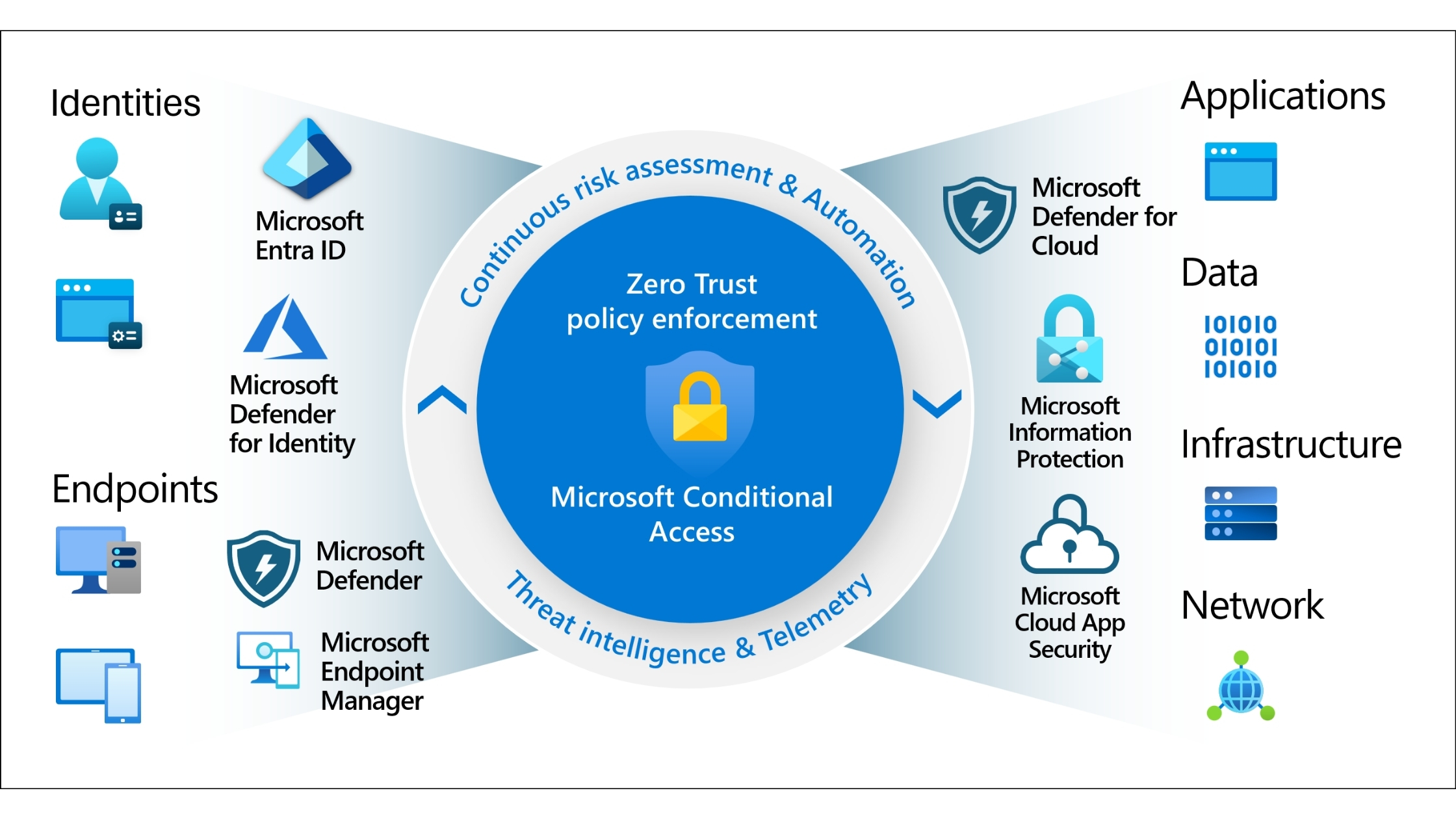
🌐 How to Build a Zero-Trust Environment for Your Business
🌐 The Future of SME Cyber Resilience: How to Build a Zero-Trust Environment in 2025
Cloud sprawl doesn’t have to be an ongoing drain on your budget. With the right tagging strategy, automation workflows, and governance framework, your business can control cloud spend while supporting innovation.
BIT365 helps Australian SMBs design and implement cloud cost optimisation strategies that leverage automation safely and effectively. Whether you’re starting your cloud journey or refining an existing environment, we can help you reduce waste, improve visibility, and maximise the value of every dollar spent.
Contact BIT365 today to start automating your cloud governance and take control of your Azure spend.
Got IT issues slowing you down? We provide both on-site and remote support across Australia, so help is never far away.
BIT365 offers a full range of managed IT services, including cybersecurity, cloud solutions, Microsoft 365 support, data backup, and on-site or remote tech support for businesses across Australia.
No. While we have a strong presence in Sydney, BIT365 supports businesses nationwide — delivering reliable IT solutions both remotely and on-site.
We pride ourselves on fast response times. With remote access tools and on-site technicians, BIT365 can often resolve issues the same day, keeping your business running smoothly.
BIT365 combines local expertise with enterprise-grade solutions. We’re proactive, not just reactive — preventing issues before they impact your business. Plus, our friendly team explains IT in plain English, so you always know what’s happening.




%20Best%20Practices%20(1).jpg)
.jpg)

.jpg)

.jpg)

.jpg)


.jpg)






.jpg)



%20(3).jpg)





.jpg)












.jpg)